

Mazda Connect Keeps Rebooting: Causes and Fixes
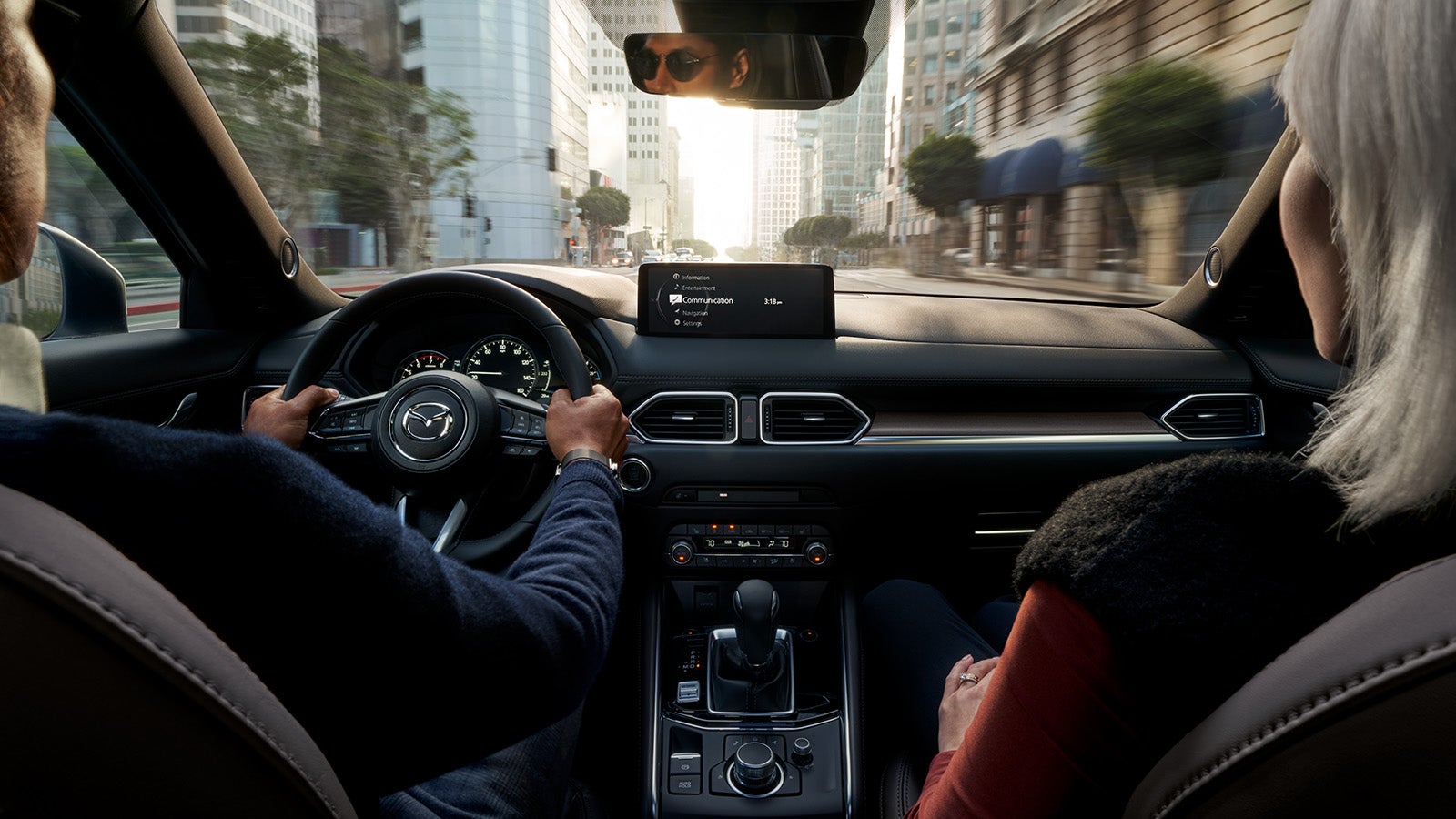
All modern vehicles, no matter their price tag or brand, will, unfortunately, at some point experience technical hiccups.
All of Mazda’s passenger cars and SUVs are manufactured to very high standards and all should be well with your vehicle's electronics. However, with so many different audio, infotainment, safety, and vehicle settings to contend with, and given the nature of all things electric, these systems will occasionally require intervention to fix minor glitches, such as Mazda Connect rebooting.
How does Mazda Connect work?
Mazda Connect is more than a convenient system in your Mazda that allows drivers and passengers to integrate their smartphones, navigation, and vehicle settings. It also helps keep everyone safe by reducing driver distractions, thanks to its eye-level dashboard screen and center-console Commander Control knob.
The Mazda Connect system is a hardwired Human- Machine interface hub that connects all of the above shared systems in one convenient location, the infotainment system, as we've already learned.
All of these systems, whether it's navigation, vehicle settings, diagnostics, or audio, just like your home PC, all use software to operate, and you guessed it, just like your home PC, will need rebooting from time to time to continue running optimally.
Why does my Mazda Connect keep rebooting?
Let's take a look at some of the most common causes of your Mazda Connect rebooting.
Corrupted or damaged navigation SD cards
One of the most common issues is a corrupted navigation SD card. Any faulty or corrupted map data on your SD card will cause your Mazda’s infotainment system to crash and reboot when the navigation system tries to read the data.
This issue is more prevalent across older generations of the Mazda3, Mazda6, CX-5, and CX-9.
Software Glitches and annoying bugs in the firmware
Again, just like your home PC, your Mazda’s electronics are susceptible to bugs. Corrupted operating system files or any operating system conflicts with your connected phone will overload the system cache and cause the system to reboot to resolve the conflicts.
Any outdated or glitchy firmware on your smartphone that conflicts when trying to sync with Apple CarPlay, Android Auto, or Bluetooth pairing will cause your Mazda Connect system to reboot.
Hardware Failure
Any hardware failure, whether in the Connectivity Master Unit or in the navigation, audio, or vehicle sensor systems, will cause issues.
The CMU can experience failed internal components or capacitors, and electrical terminals and wiring are susceptible to cracking, corrosion, or even loosening due to in-car vibrations and movement.
An unstable hard-wired connection from a plugged-in smartphone, such as a faulty Apple CarPlay/Android Auto cable, will also cause issues and possible rebooting of the Mazda Connect.
Bluetooth or USB Connection Overload
Thankfully, connecting multiple devices for large data transfers typically does not cause lasting damage to your car's Bluetooth or Apple CarPlay features, but overwhelming your Mazda’s infotainment system's bandwidth with too much data can cause software crashes, connection lags, or audio conflicts.
Apple CarPlay and Android Auto use a "handshake" over Bluetooth to transfer data, and WiFi for large amounts of data. Trying to connect multiple devices simultaneously to the Mazda Connect head can freeze the system and cause a reboot.
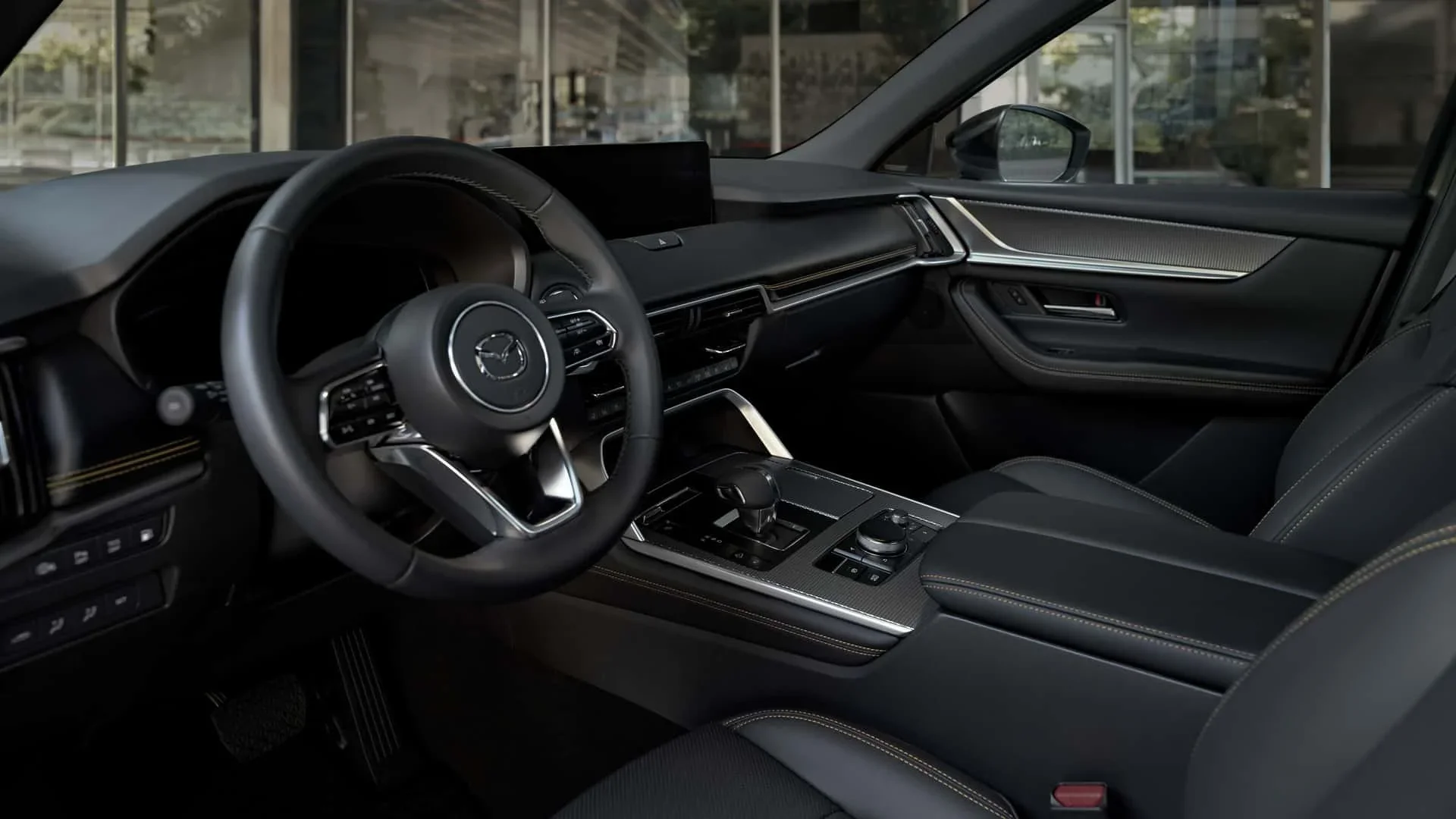
What are the best fixes to stop your Mazda Connect from rebooting?
Owners can follow these easy troubleshooting steps to resolve each of the above shared causes of the reboot loop in their Mazda Connect system.
Corrupted or damaged navigation SD cards
First, locate the SD card slot, typically in your Mazda’s center console. With the car turned off, eject the SD card from the center console slot, restart your Mazda, and check whether the reboot loop has stopped.
If this fix doesn't work, you can try cleaning the gold metal contacts on the SD card with an eraser and wiping them with isopropyl alcohol.
If this fix also fails and the system continues to reboot, then you may need to update the card via the Mazda Navigation System Update Toolbox or replace the SD card entirely with a new one.
Software Glitches and annoying bugs in the firmware
Mazda owners can perform a forced soft reset to fix software glitches by pressing and holding the Nav, Mute/Volume, and Back buttons simultaneously for about 10 seconds. Resetting the Mazda Connect system may erase your preset audio settings, but these can be easily reprogrammed.
Alternatively, check with your local dealership, like Seacoast Mazda, to check if your Mazda’s firmware needs an official update.
Check your smartphone's connections
As already learned, a malfunctioning Bluetooth device or a physically faulty USB cable can cause the system to crash and try to reboot. Owners can try disconnecting their phone and unplugging any unused USB accessories.
A further step is to clear all paired devices, restart the Mazda Connect system, and check if this remedies the reboot loop.
Perform a Mazda Connect system software update
Depending on the age of your particular Mazda model, firmware updates are available for outdated systems. Older firmware in Mazda models may cause devices to struggle to communicate with newer smartphones.
Ensuring you are running the latest software can resolve bugs and improve Mazda Connect's performance, and performing firmware updates often improves the reliability of Apple CarPlay, Android Auto, and Bluetooth.
Owners can follow the below quick process to perform an update themselves:
- Tap Settings on your infotainment screen
- Navigate to System > Software Update
- Connect to Wi-Fi and follow the on-screen instructions
If you are not comfortable trying this fix at home, be sure to visit the Certified Mazda Service Center at your local Mazda dealership, such as Seacoast Mazda, to have the software in your Mazda’s infotainment system updated to the latest version.
Service your Mazda at Seacoast Mazda
No matter the unexpected issue with your Mazda, the service team at Seacoast Mazda in Portsmouth, NH, is ready to assist.
From resetting your Mazda Connect system to wheel alignment or battery replacement, our factory-trained Mazda technicians know exactly how to fix your Mazda and provide exceptional service to ensure it performs at its best.
Schedule Service