

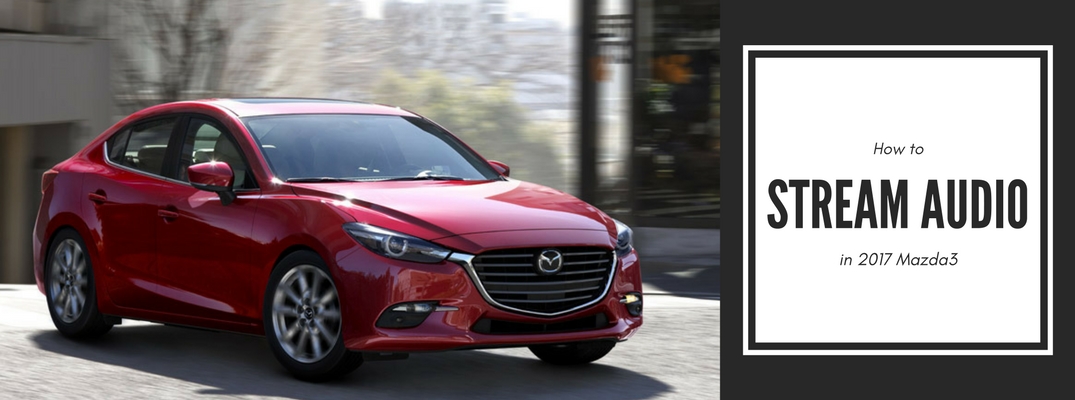
When you invest in a new vehicle, chances are it offers several high-tech features that you may not be sure how to use. For instance, if you own a 2017 Mazda3, there are a few ways for you to stream audio from your phone so you can enjoy your favorite tunes. We have put together a list of audio options to get you started.
1. Bluetooth® hands-free audio streaming capability
Along with MAZDA CONNECT® all Mazda3 trims come equipped with Bluetooth® capabilities, which allows for hands-free streaming using voice commands and steering wheel controls. This allows you to connect your phone wirelessly and listen to audio from your phone, including apps like Spotify and Pandora.
2. Auxiliary audio input jack
All Mazda3 trims also come with an auxiliary audio input jack, which lets you plug in your phone or other audio listening devices using a compatible cord and listening to your music that way.
3. USB Audio Input
When you need to charge your device but would also like to stream audio, the USB Audio Input is the right option for you. Using your phone’s USB charging cord, you can listen to your favorite playlists while also re-charging.
MAZDA CONNECT™ audio listening options
In addition to the options mentioned above, MAZDA CONNECT™ also comes with a number of audio apps, such as:
- Aha™
- HD Radio™
- Pandora®
- Stitcher™
The MAZDA CONNECT™ infotainment system is standard equipment on all 2017 Mazda3 trims and features a 7-inch touch screen display as well as steering wheel-mounted audio controls for drivers and passengers to easily manage the audio options.
If you would like more information about your 2017 Mazda3, including audio streaming, color options, or something else, feel free to reach out to our team at Seacoast Mazda. We would be happy to help you out!
Connect with us


Recent Blog Entries
- Top Mazda SUVs for Summer Road Trips: Comfort, MPG & Cargo Space Compared
- Mazda Fuel Economy Tips for Summer Driving in New England (Save Gas on Road Trips)
- Mazda Unveils Striking New Green Paint Color for 2027 Models
- Why All-Wheel Drive Is a Smart Choice for New Hampshire Drivers
- Why Does My Car Hesitate When I Press the Gas?