

Mazda Apple CarPlay Not Working? Try These Quick Fixes
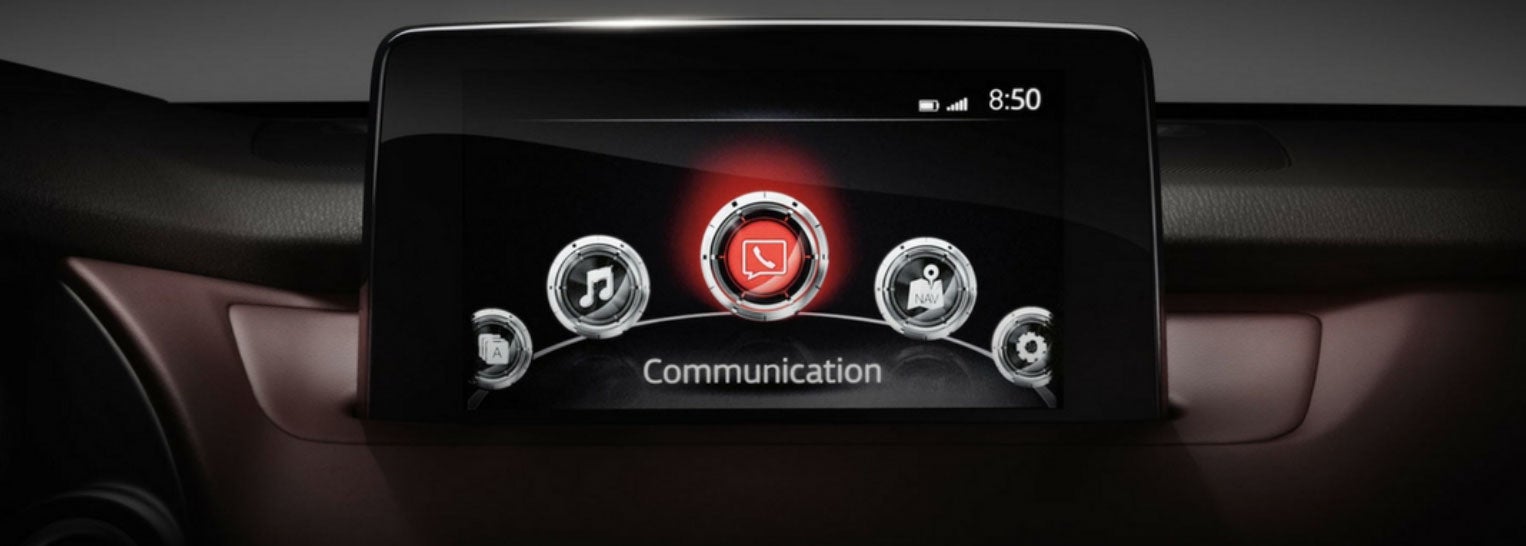
Apple CarPlay is easy to take for granted until it suddenly refuses to connect. If your Mazda will not launch CarPlay, keeps disconnecting, or recognizes your iPhone only some of the time, the problem is often something simple rather than a failed infotainment system.
Before booking a repair, work through these quick checks. They cover the most common wired and wireless connection problems and can often get maps, music, calls, and messages back on your Mazda Connect screen within minutes.
Why Is Apple CarPlay Not Connecting to My Mazda?
Start by checking how your Mazda connects to CarPlay. Some models use USB, while others support wireless Apple CarPlay through Bluetooth and Wi-Fi.
For wired CarPlay, plug the iPhone into the correct USB port. Mazda notes that using a port not intended for CarPlay may leave the phone operating only as a USB device. Try another compatible cable too, preferably a direct Apple or quality certified cable without adapters.
If you use wireless CarPlay, make sure Bluetooth and Wi-Fi are switched on. On your iPhone, check the Mazda CarPlay network and confirm Auto-Join is enabled.
Could the Problem Be an iPhone Setting?
Yes. CarPlay depends on several iPhone settings that can accidentally be changed.
First, make sure Siri is enabled. Then go to Settings, General, CarPlay and check that your Mazda is still listed. If it is not connecting properly, select the vehicle, choose Forget This Car, and pair it again.
Also check Screen Time restrictions. If CarPlay has been disabled under Content & Privacy Restrictions, the vehicle will not be able to launch it even when the phone appears connected.
Restarting both the iPhone and the Mazda can also clear temporary glitches.
What Should I Check in Mazda Connect?
Mazda Connect can prevent CarPlay from launching if the iPhone was previously set to “Never Enable.” Open the connectivity or device settings and check the CarPlay permissions for your phone. Depending on the system, you may see choices such as Always Enable, Always Ask, or Enable Once.
If your phone is set to Never Enable, change that setting and reconnect it. For wireless connections, removing the phone from Mazda Connect and pairing it again can also solve stubborn connection problems.
Why Does CarPlay Keep Disconnecting?
Repeated disconnections often point to the connection itself. For wired CarPlay, inspect the USB cable and iPhone charging port for damage, looseness, or debris. A cable can still charge the phone while failing to maintain a reliable data connection.
For wireless CarPlay, confirm Wi-Fi and Bluetooth remain enabled. Keeping your iPhone updated to the latest compatible iOS version can also resolve bugs that affect CarPlay.
When Should You Have Your Mazda Checked?
If multiple phones and cables fail, CarPlay disappears completely from Mazda Connect, or problems continue after resetting everything, the issue may be on the vehicle side. The USB port, infotainment software, or another component may need diagnosis.
Get Apple CarPlay Help at Seacoast Mazda
If these quick fixes do not solve your Mazda Apple CarPlay problem, schedule service with Seacoast Mazda in Portsmouth. Our team can check Mazda Connect, USB connectivity, software, and related vehicle systems to find out why CarPlay is not working and help restore reliable everyday connectivity.
Schedule Service