


Best Museums to Visit Around Portsmouth NH
With summer turning to fall, families all around Portsmouth, New Hampshire, are trying to figure out how to enjoy the little time we have left before winter hits. And since you never know which days are going to be nice and warm and which are going to be cool and rainy during this time of the year, a family road trip to somewhere you can be both inside and outside is ideal. But where to go? What to do? What can you find that can for the whole family to enjoy? It can be a tough decision to make. That’s why we decided to try to help out by detailing a few of the best museums to visit around Portsmouth, NH. These stops allow you to head inside for fun and learning if needed, while also having some outdoor activities – or at least a spot for a nice picnic lunch – to take advantage of if the weather is warm. So get out there and enjoy! Read the rest of this entry »
In the Market for a Used Car?

Large Selection of Affordable Used Vehicles in Portsmouth NH
If you only look at our name, you may think Seacoast Mazda is just about providing Portsmouth, New Hampshire, with the best selection of new Mazda vehicles around. And while we do take pride in our new Mazda offerings, we’re so much more than that. We have a large selection of affordable used vehicles of all makes and models to choose from. That means we’ve got quality pre-owned Volkswagens, Buicks, Fords, Kias and so much more. And just like we strive to be the best Mazda dealer in Portsmouth, we want to be your number 1 choice for used vehicles as well. Read the rest of this entry »
What is Mazda’s G-Vectoring Control?
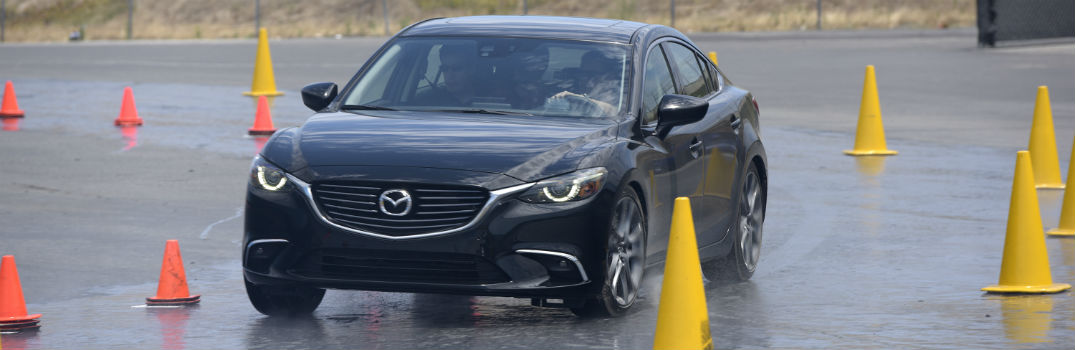
New Feature Highlight: G-Vectoring Control
Mazda is going all-in this new model year on its motto of Jinba-Ittai, which roughly translates to “person and horse as one body.” Mazda is endeavoring to create a more harmonious relationship between vehicle and driver, mirroring the relationships that formed throughout history between horses and their riders. The first step in reaching that goal is the implementation of a new feature called G-Vectoring Control (GVC), which is the first in a series of new-generation vehicle motion control technologies collectively known as SKYACTIV-VEHICLE DYNAMICS. We realize none of those of those words may mean anything to you, so we’re going to highlight exactly what G-Vectoring Control means for you as a driver.
TL;DR
Mazda’s G-Vectoring Control (GVC) is a smart technology that subtly adjusts engine torque based on your steering input, making the car respond more naturally and predictably. It’s the first piece of Mazda’s SKYACTIV-VEHICLE DYNAMICS system, debuting on the 2017 Mazda6 and 2017 Mazda3. The result: smoother rides, fewer steering corrections, less passenger wobble, and better handling in rain or snow.
Key Takeaways
- GVC is the first-ever system to vary engine torque based on steering input, optimizing weight distribution across all four wheels.
- It’s part of Mazda’s broader SKYACTIV-VEHICLE DYNAMICS platform, rolling out across the entire model lineup.
- Debuts on the 2017 Mazda6, followed by the 2017 Mazda3.
- Reduces unconscious steering corrections, giving drivers more confidence and a more intuitive feel behind the wheel.
- Minimizes passenger wobble by smoothing out acceleration forces during turns.
- Improves handling and stability in adverse conditions like rain and snow.
- Supports Mazda’s Jinba-Ittai philosophy of creating a seamless connection between driver and vehicle.
Mazda Jinba-Ittai Meaning

What does Mazda’s “Jinba-Ittai” mean?
What does Mazda’s Jinba-Ittai mean? Jinba-ittai is a Japanese phrase (人馬一体) which roughly translates to “person and horse as one body.” Like the symbiotic relationship that develops between the horse and rider over time, Mazda strives to create the same relationship with its cars and SUVs and the driver.
Read the rest of this entry »
How far can you take the 2017 Mazda CX-3 Off-Road?

2017 Mazda CX-3 Off-Road Capability
Despite the compact crossover’s recent success, many folks still aren’t completely sold on their off-road capability. We’re out to prove the 2017 Mazda CX-3 off-road capability is for real! Whether you’re driving on a snowy Alaskan highway or a rainy New Hampshire road, i-ACTIV AWD® is designed to seamlessly transfer power to axles that need it most, providing more peace of mind driving on snowy surfaces and extra grip on dry roads.
2017 Mazda CX-3 Trim Levels Comparison
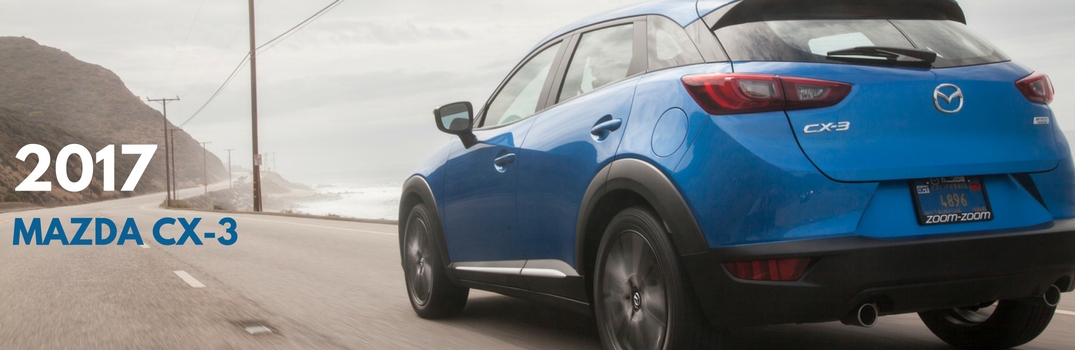
The 2017 Mazda CX-3 will once again come in three different trim levels: Sport, Touring, and Grand Touring. While most of the 2017 Mazda CX-3 trim level options and features have stayed the same, there are a few notable changes that we’d like to talk about below.
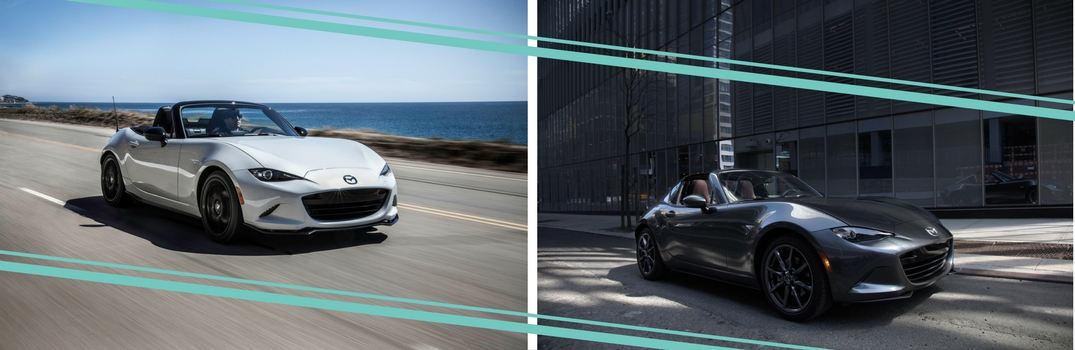
After Mazda announced the release of the newest retractable fastback roadster, we’ve been wondering what some of the differences between the 2016 Mazda MX-5 Miata and 2017 Mazda MX-5 RF would be. The exterior body style of the Mazda MX-5 Miata and Mazda MX-5 RF is the most obvious difference. We’ll jump into more similarities and differences between these two-seat roadsters below.
2017 Mazda6 September release date draws close
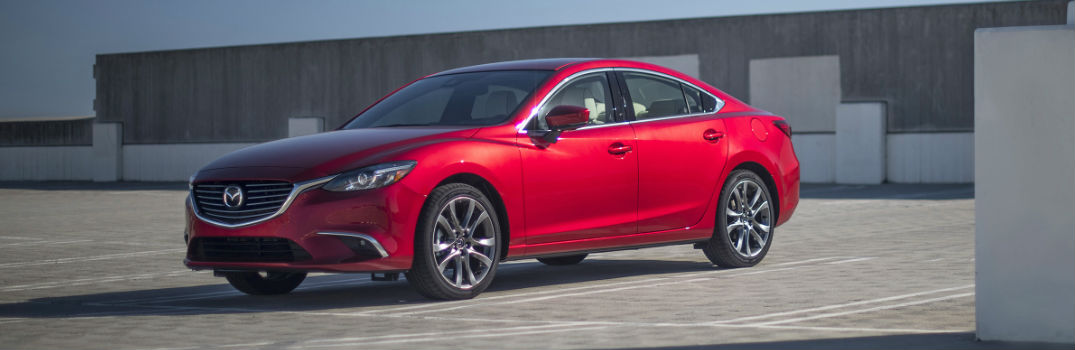
2017 Mazda6 updates and features
The flagship vehicle in the Mazda lineup returns for an impressive 2017 run. One of the most fun-to-drive midsize sedans adds more premium refinement and continues to provide consumers with versatility, practicality, style, and excellent performance. More 2017 Mazda6 updates and features are on the way!
Read the rest of this entry »
2017 Mazda CX-3 Specs and Features
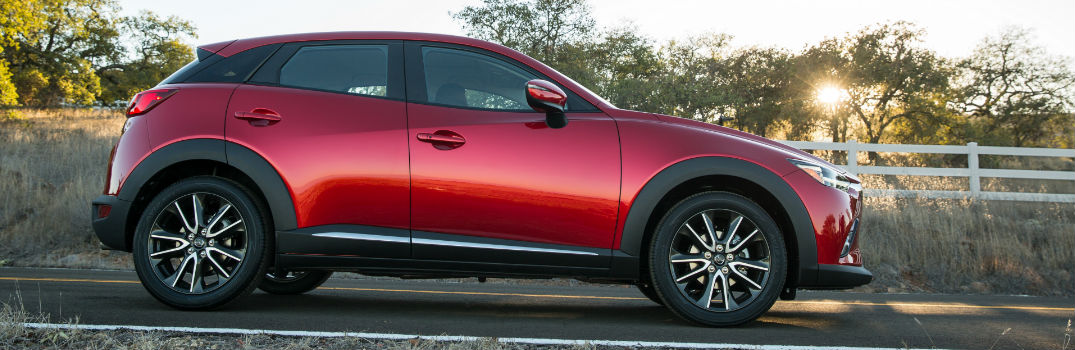
What Are the Features on the 2017 Mazda CX-3?
While many of the changes on the new 2017 Mazda CX-3 may not be visible, they provide more value to the Mazda CX-3 model lineup. Let’s take a look at some of the 2017 Mazda CX-3 features.
All trim levels of the 2017 CX-3 will continue to come with a 146-horsepower SKYACTIV-G 2.0-liter, four-cylinder engine that’s paired with an automatic transmission. Front-wheel drive is standard, but all CX-3 models can be upgraded to all-wheel drive.
Read the rest of this entry »
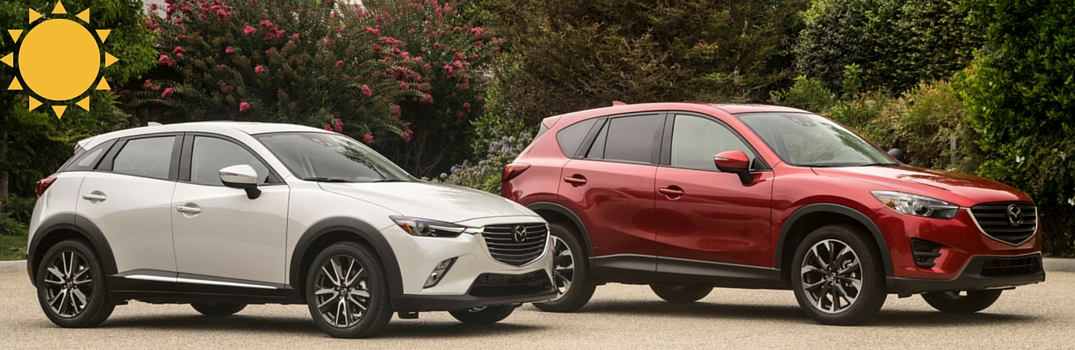
The perfect vehicle for a summer road trip
July 2016 Mazda Instagram roundup
A Mazda vehicle is just as much fun in person as it is to look at. Stop into Seacoast Mazda to find the perfect vehicle for your summer road trip. From the all-new Miata to the established CX-5, every vehicle in our lineup will make the perfect summer companion.
Connect with us


Recent Blog Entries
- Top Mazda SUVs for Summer Road Trips: Comfort, MPG & Cargo Space Compared
- Mazda Fuel Economy Tips for Summer Driving in New England (Save Gas on Road Trips)
- Mazda Unveils Striking New Green Paint Color for 2027 Models
- Why All-Wheel Drive Is a Smart Choice for New Hampshire Drivers
- Why Does My Car Hesitate When I Press the Gas?