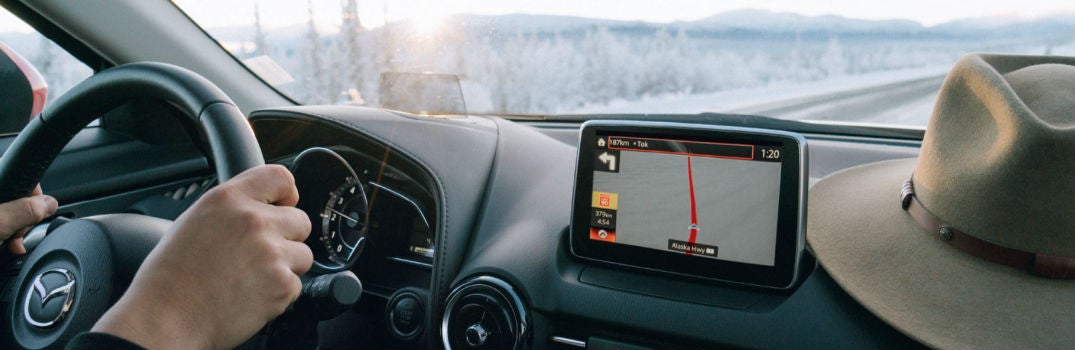
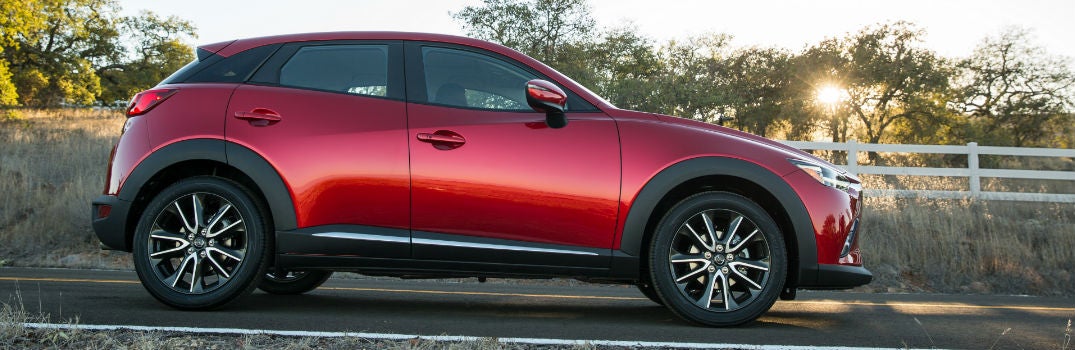
The majority of new vehicles offer a navigation system, which provides turn-by-turn directions to various destinations and points of interest. In order to utilize your in-car navigation system to its full potential, you must first understand how it works. For instance, you can follow the steps outlined below to set a home destination in your 2017 Mazda CX-3. You may also like: How to use Mazda push-button start 5 Steps to change home address in the 2017 CX-3 From the Navigation menu, select Favorites. Choose Home. Press and hold the commander button for approximately 5 seconds until the edit screen appears. Select Edit to edit your home address. Input your desired home address. Now that you have a set home address in your 2017 Mazda CX-3 navigation system, you can easily receive turn-by-turn directions to get home from wherever you are. This feature is available on all trim levels. How to add a location to your Favorites In addition to your home address, you can also save multiple destinations in your Favorites for easy access to a variety of commonly visited locations. Add your current location or destination as a Favorite by selecting Favorites, choosing Add/Edit Nav Favorite, and selecting Add Current Location or Add Current Destination. If you have any questions or run into issues while setting a home destination in your 2017 Mazda CX-3, we invite you to contact our team at Seacoast Mazda or get in touch with your local Mazda dealer. Contact Us