Blog / Technology

Blog

All Technology Community Events Mazda CX-3 Mazda CX-5 Mazda3 Safety Mazda News & Notes Mazda CX-9 Mazda6 Tips and Tricks Just for Fun Mazda MX-5 Miata Mazda MX-5 Miata RF Comparisons Our Dealership Service Mazda CX-30 Powertrain Used Vehicles Credit Mazda 3 Sedan Mazda MX-30 EV Release Date Mazda 3 Hatchback Mazda CX-90 Mazda SkyActiv
2017 Mazda3 trim levels comparison

2017 Mazda3 Trim Levels

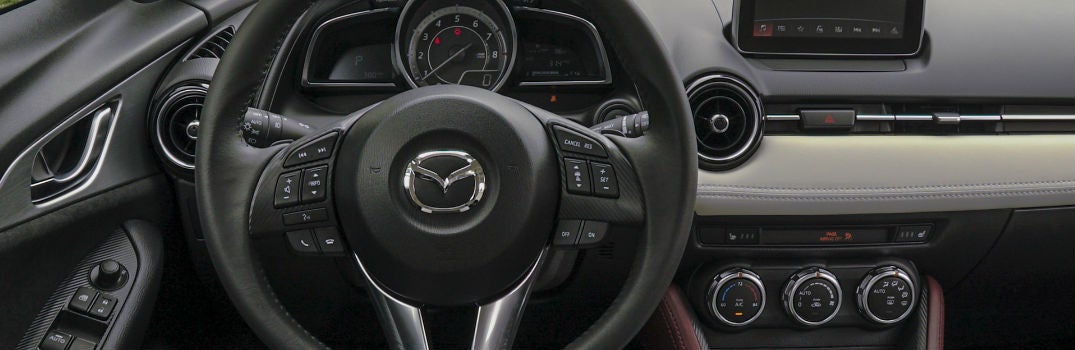
2017 Mazda3 New Trim Options and Features The 2017 Mazda3 has arrived and we’ve got it right here at Seacoast Mazda in Portsmouth, NH. All 2017 Mazda3 trim levels come packed with upgrades and new features. Headlining those additions is Mazda’s new G-Vectoring Control, which uses the engine to refine steering and handling to match driver inputs and is the first in a series of new-generation vehicle motion control technologies collectively known as SKYACTIV-VEHICLE DYNAMICS. But while most everything in and about the 2017 Mazda3 has been made more impressive, one aspect has been simplified – its trim options. So let’s take a look at what that means for you. more 2017 Mazda3 Trim Levels Like the 2016 model year, the 2017 Mazda3 comes in Sport, Touring and Ground Touring trim levels. The differences come when looking under the hood. For the 2017 model year, the Mazda3 Sport and Touring models come equipped with a SKYACTIV-G 2.0-liter engine and the choice between a SKYACTIV-MT six-speed manual transmission or a SKYACTIV-DRIVE six-speed automatic transmission. The 2017 Mazda3 Touring 2.5 and Grand Touring models feature a SKYACTIV-G 2.5-liter engine with the same transmission options. The smaller engine is capable of pumping out 155 horsepower while the larger engine provides 184 horsepower. 2017 Mazda3 Redesigned Interior Everyone loves a nice, quiet ride. And that’s exactly what the 2017 Mazda3 will provide thanks to its redesigned interior complete with enhanced sound insulation. But the Mazda3’s sleek and stylish new interior isn’t just about enjoying a quiet ride. It’s also about comfort and safety on all trim levels. The 2017 Mazda3’s standard and available interior features include an electronic parking brake, power mirrors, locks and windows, push-button start, remote keyless entry, a 7-inch Mazda Connect display audio system, BOSE nine-speaker premium audio system, power moonroof and much, much more. If you have any questions at all about the 2017 Mazda3 trim levels, available color options, or any of our other new or used models, please don’t hesitate to contact our friendly Seacoast Mazda staff. And if you’d like to get behind the wheel to see how any of our vehicles feel, you can schedule a test drive right here on our website.

2017 Mazda6 New Driver Assistance Safety Features_o

How Advanced are the 2017 Mazda6 Driver Assistance Systems?

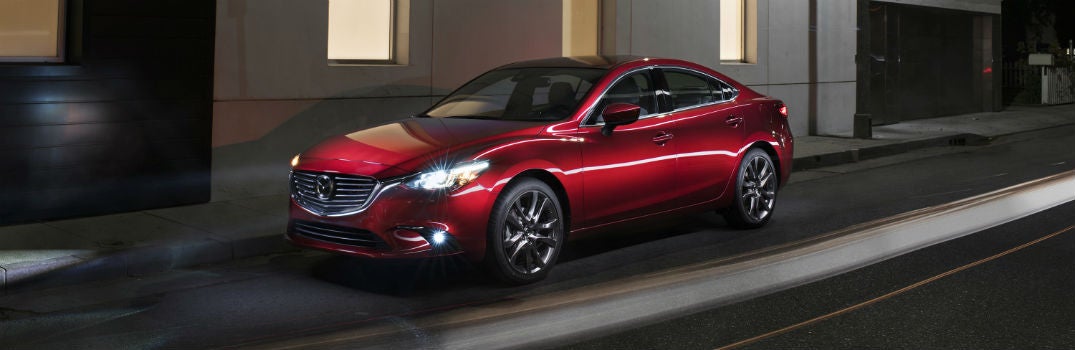
2017 Mazda6 New Driver Assistance Safety Features The new 2017 Mazda6 has received a number of rather substantial updates and upgrades over the previous model year. Many of these can be seen as soon as you approach the new Mazda6, including a new exterior mirror turn lamp design and a new available machine gray metallic exterior paint. Even more updates can be seen within the Mazda6, including a new steering wheel design which comes with an available option for a heated steering wheel, the MAZDA CONNECT infotainment system, available heated rear seats, available black headliner and available Nappa leather-trimmed sport seats. But the Mazda6’s most substantial upgrades aren’t cosmetic. They’re the advanced new driver assistance features that make the 2017 Mazda6 one of the safest, most reliable cars on the market today. more G-Vectoring Control: Safety Through Technology The headliner of the 2017 Mazda6’s new driver assistance features is Mazda’s all-new G-Vectoring Control system. The first in a series of new-generation vehicle motion control technologies collectively known as SKYACTIV-VEHICLE DYNAMICS, G-Vectoring Control uses the engine to augment the performance of the chassis by varying engine torque in response to steering inputs to provide more integrated control of lateral and longitudinal acceleration forces and optimize the vertical load on each wheel. This creates a smoother, more efficient ride and builds a more harmonious relationship between the Mazda6 and its driver. Advanced New Driver Assistance Features The all-new G-Vectoring Control system is only one of many new advanced driver assistance features found within the 2017 Mazda6 trims, including the Sport, Touring, and Grand Touring. Additional features include the lane keep assist system, traffic sign recognition system, full-color heads-up active driving display, rearview camera, Mazda radar cruise control, smart brake support with collision warning, smart city brake support and rain-sensing windshield wipers. If you have any questions at all about the 2017 Mazda6 or any of our other new or used models, please don’t hesitate to get in touch with our friendly Seacoast Mazda staff. We’re here to help.

2017 Mazda CX-5 Release Date and New Features_o

When Can We Expect the 2017 Mazda CX-5?

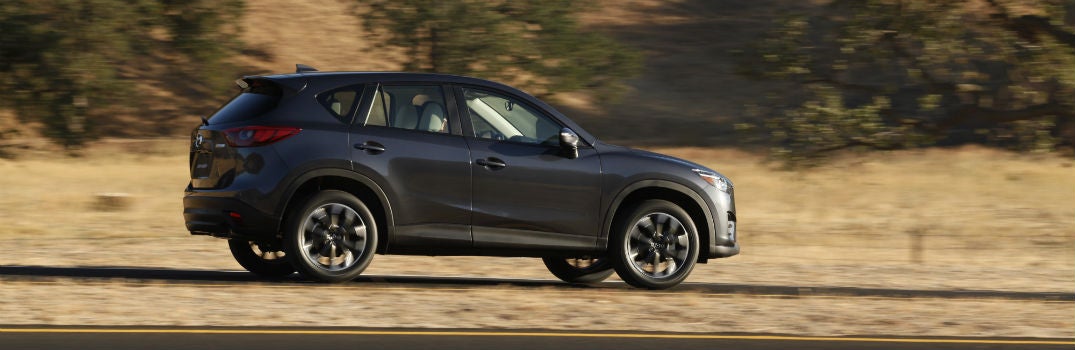
2017 Mazda CX-5 Release Date and New Features Not much is presently known about what’s in store for the 2017 Mazda CX-5, but a few things are certain. For one, the new CX-5 will continue to be one of the most popular options in the crossover SUV class due to Mazda’s ongoing commitment to keeping its lineup fresh, sophisticated and updated. The 2016 Mazda CX-5 received a slight redesign and was packed to the brim with new technology and safety features, and the 2017 CX-5 promises to keep that tradition alive and well. With its anticipated release, enthusiasts are already curious about the color options for the 2017 Mazda CX-5, which are expected to highlight its sporty and elegant design. The 2017 Mazda CX-5 also promises to once again be the versatile, sporty and elegant vehicle its fans have come to expect. more 2017 Mazda CX-5 New Features As we said, not a lot is known about what the new 2017 Mazda CX-5 will feature. One thing is for sure, the 2017 CX-5 will feature G-Vectoring Control, which is the first in a series of new-generation vehicle motion control technologies collectively known as SKYACTIV-VEHICLE DYNAMICS. Mazda is implementing this new feature, which provides integrated control of the engine, transmission, chassis and body, throughout its lineup in an effort to not only make your ride smoother, safer and more enjoyable, but to create a more balanced and coordinated relationship between vehicle and driver. Rumors point to the 2017 Mazda CX-5 getting a slight exterior redesign along with a new, more powerful engine that will still offer the same great gas mileage anyone who’s driven a Mazda expects. And with Mazda’s continued dedication to featuring the best state-of-the-art technology, you can rest assured knowing the 2017 CX-5, available in a range of trim levels including Sport, Touring, and Grand Touring, will offer some of the best technology and safety features on the market. And it’s still going to have the smooth handling CX-5 drivers have grown to love. 2017 Mazda CX-5 Release Date All signs point to your wait almost being over. The 2017 Mazda CX-5 is expected to be released sometime before the end of 2016, though there’s always a chance it could be early 2017 by the time it hits the market. We’ll keep you updated with all the latest news here on our blog, and we keep our online inventory – both new and used – updated so you’ll know exactly when it arrives here at Seacoast Mazda. And don’t forget, our friendly staff is always ready to answer whatever questions you may have so just get in touch with us if you need anything at all.

2017 Mazda6 demonstrating G-Vectoring Control

What is Mazda’s G-Vectoring Control?

New Feature Highlight: G-Vectoring Control Mazda is going all-in this new model year on its motto of Jinba-Ittai, which roughly translates to “person and horse as one body.” Mazda is endeavoring to create a more harmonious relationship between vehicle and driver, mirroring the relationships that formed throughout history between horses and their riders. The first step in reaching that goal is the implementation of a new feature called G-Vectoring Control (GVC), which is the first in a series of new-generation vehicle motion control technologies collectively known as SKYACTIV-VEHICLE DYNAMICS. We realize none of those of those words may mean anything to you, so we’re going to highlight exactly what G-Vectoring Control means for you as a driver. TL;DR Mazda's G-Vectoring Control (GVC) is a smart technology that subtly adjusts engine torque based on your steering input, making the car respond more naturally and predictably. It's the first piece of Mazda's SKYACTIV-VEHICLE DYNAMICS system, debuting on the 2017 Mazda6 and 2017 Mazda3. The result: smoother rides, fewer steering corrections, less passenger wobble, and better handling in rain or snow. Key Takeaways GVC is the first-ever system to vary engine torque based on steering input, optimizing weight distribution across all four wheels. It's part of Mazda's broader SKYACTIV-VEHICLE DYNAMICS platform, rolling out across the entire model lineup. Debuts on the 2017 Mazda6, followed by the 2017 Mazda3. Reduces unconscious steering corrections, giving drivers more confidence and a more intuitive feel behind the wheel. Minimizes passenger wobble by smoothing out acceleration forces during turns. Improves handling and stability in adverse conditions like rain and snow. Supports Mazda's Jinba-Ittai philosophy of creating a seamless connection between driver and vehicle. more New Levels of Control, Comfort and Connectedness The goal behind SKYACTIV-VEHICLE DYNAMICS is to provide integrated control of the engine, transmission, chassis and body to create a sense of connectedness between a vehicle and its operator. G-Vectoring Control is the first of the series to be rolled out. Mazda has announced it will be applied to its entire model range, starting with the 2017 Mazda6 in the U.S., followed by the 2017 Mazda3. GVC uses the engine to augment the performance of the chassis. The new feature is the first control system in the world to vary engine torque in response to steering inputs in order to provide integrated control of lateral and longitudinal acceleration forces and optimize the vertical load on each wheel for a smooth and efficient ride. What Are the Benefits of G-Vectoring Control? We mentioned above that GVC optimizes the vertical load on each wheel. Doing so brings the movements of the car more in line with what the driver is trying to accomplish. This reduces the need for steering corrections, especially the corrections a driver makes without knowing it. This provides traction that creates an increased level in confidence for any driver while making the act of driving more enjoyable. But it’s not just the driver that feels the effects of G-Vectoring Control. Passengers feel it, too. Or, more accurately in this case, don’t feel it. That’s because GVC reduces the amount of wobbling a rider is subjected to by smoothing out the acceleration forces acting upon the vehicle. How Does G-Vectoring Control Improve Safety? G-Vectoring Control isn’t just about comfort. It’s about safety, too. GVC greatly improves a vehicle’s handling and stability in all circumstances, including snow, rain and other less-than-ideal road conditions. All signs point to the 2017 Mazda6 being released in September 2016. We keep our online inventory up-to-date so you’ll know exactly when we get it here at Seacoast Mazda. We also have a huge selection of quality pre-owned vehicles of all makes and models. If you have any questions about anything at all, feel free to give us a call or shoot us an email. We’re here to help.

Mazda push-button start

Mazda Push Button Start Positions

The Mazda push button start system is a convenient feature that allows you to start your vehicle without using a traditional key. It adds modern convenience, improves security, and gives your driving experience a sleek, high-tech feel compared to traditional ignition systems. If you’ve never used a vehicle with Mazda push button start, it can be confusing at first! Don’t worry, we’ll walk you through exactly how it works so you’ll have no problem adapting to your new Mazda from Seacoast Mazda. Once you understand the steps, you’ll see just how simple and convenient this feature really is. How to Use Mazda Push Button Start Shift the vehicle into “Park” or “Neutral” position in order to start the engine with an automatic transmission. Now, depress the brake pedal. If you’re in a manual transmission, shift into neutral and depress your clutch. Located the START STOP ENGINE button on the right side of your steering wheel. Once the green indicator light appears, press the button. It’s important to let the engine idle for at least 10 seconds after it starts. To stop the engine in an automatic transmission, shift back into “Park” or shift your manual transmission to neutral. Press the push-button start button to turn the engine completely off. If you’d like to activate the accessory mode, press the push-button start once Schedule a Test Drive Schedule Service Mazda Push Button Start In Emergency Situations The system also includes safety features in case of emergencies. If the vehicle isn’t moving, press the Mazda push button start continuously until the engine shuts off. If the vehicle is moving and you need to shut off the engine, quickly press the push-button a continuous number of times until the engine shuts off. You can also start the engine with a dead key battery. You’ll need to pull the auxiliary from the key and use the auxiliary key to unlock the door. Follow the same steps as above. A green indicator light should illuminate after you have depressed the brake. From here, touch the push-button start button with the backside of your key while the green indicator light flashes. When the light finally turns green it means you are ready to go! Why Is My Mazda Push-Button Start Light Red? If the light on your Mazda push button start system turns red instead of the usual green, it often signals a problem with the system. Understanding the possible causes can help you quickly identify whether it’s a simple fix (like a key fob battery) or if you should seek professional service. Here are a few reasons for the red light: Key Fob Battery: The key fob's battery might be low or dead. If it's weak, it may not communicate properly with the car, causing the red light. Try changing the key fob batteries to see if that helps. Anti-Theft System: The anti-theft system could be triggered. This happens if there's a sudden communication issue between the key fob and the car, like when the battery is replaced. In such cases, the push button start shows a red light, and the key warning indicator may flash. You may need to reset the anti-theft system or have the car checked by a Mazda professional. Malfunction: A red light may indicate a problem with the push button start itself, like wiring issues, a faulty switch, or internal problems. If changing the key fob batteries doesn't work, it's best to have the car inspected by a Mazda dealer or repairer to find and fix the problem. What to Do When a Push-Button Car Won’t Start? A Mazda push button start system is designed to fire up your engine with minimal effort, so when nothing happens, it can feel confusing. The good news is that most causes are minor and easy to troubleshoot on the spot. Start with the basics. Make sure the vehicle is in Park or Neutral and press the brake pedal firmly. If you’re using a manual transmission, shift to neutral and fully depress the clutch. Check Your Key Fob If the engine still won’t start, your key fob may not be detected. A weak or dead key fob battery is one of the most common reasons a push button vehicle refuses to start. Hold the key fob directly against the push button and try again. Many Mazda models allow the system to read the chip inside the fob even when the battery is low. Check For Warning Lights You should also check for warning lights on your dashboard. A red key indicator, a push button start warning, or a flashing immobilizer light usually means the car isn’t communicating with the key or the anti theft system has activated. Lock and unlock the car, then try starting again. Listen for Symptoms If the vehicle still won’t start, listen for symptoms. A clicking noise often points to a weak car battery. Dimming lights or slow electronics confirm this. If the dash is completely dark, your car battery may be fully discharged and you’ll likely need a jump start. What Else to Try When everything looks normal but the engine stays silent, there may be an issue with the brake switch, the starter, or the push button system itself. In those cases, it’s best to have the vehicle inspected by a Mazda technician to diagnose the problem safely. Remember, these are general possibilities, and the specific cause may depend on your Mazda's model and year. If you're facing this issue, check your vehicle's manual or contact a Mazda dealership for help.

Mazda owner connecting their phone to their car to enable Android Auto

Do Mazda Cars Have Apple CarPlay and Android Auto?

We use our smartphones constantly, whether we're navigating to a new restaurant or streaming music on a road trip. It's no surprise that seamless smartphone integration has become one of the top priorities for car buyers. If you're considering a Mazda, you're probably asking: does Mazda have Apple CarPlay and Android Auto? The short answer: Yes, modern Mazda vehicles support both Apple CarPlay and Android Auto. Here's everything you need to know. Which Mazda Models Have Apple CarPlay and Android Auto? Mazda began rolling out Apple CarPlay and Android Auto support starting with select 2019 and 2020 models, and the feature has since become standard across the lineup. Current Mazda models, including the Mazda3, Mazda CX-5, CX-50, CX-90, and others, come equipped with both systems as standard or available features. If you're shopping for an older used Mazda, it's worth checking the specific model year, as pre-2019 vehicles may only feature the standalone Mazda Connect infotainment system without CarPlay or Android Auto support. more Schedule a Test Drive What Is Mazda Connect? Mazda Connect is Mazda's proprietary infotainment platform, available across most models in the lineup. It supports: Bluetooth audio streaming and hands-free calling Web-based apps and services Over-the-air software updates to keep your system current Apple CarPlay and Android Auto (on compatible model years) The system is controlled via a central commander dial, keeping touchscreen interaction minimal for safer driving. How to Connect Apple CarPlay or Android Auto in a Mazda Connect your iPhone (CarPlay) or Android phone (Android Auto) via USB cable, or wirelessly on newer models that support it. Your phone's interface will automatically appear on the Mazda display. Use voice commands, the commander dial, or the touchscreen to navigate. Is Mazda CarPlay Wireless? Some newer Mazda models support wireless Apple CarPlay and Android Auto, eliminating the need for a cable. Check your specific model year's specs to confirm wireless support. Schedule a Test Drive Want to experience Mazda's infotainment system firsthand? Schedule a test drive at your local Mazda dealership to explore Apple CarPlay, Android Auto, and Mazda Connect in action.

Contact Us

Fill out this form below and we'll contact you shortly
*Required Fields